At Marketr.ai, we understand the importance of visual content in your marketing efforts. That's why we've created the "Gallery" – a central hub to manage all the images you create with Marketr.ai and seamlessly integrate your own visual assets into your conversations.
1. Gallery: All Your Created Images in One Place
Every image you generate using Marketr.ai is automatically saved and stored in your "Gallery." This means you never have to worry about losing a valuable visual asset.
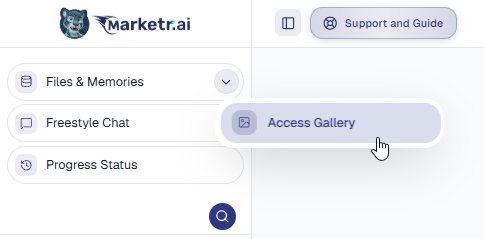
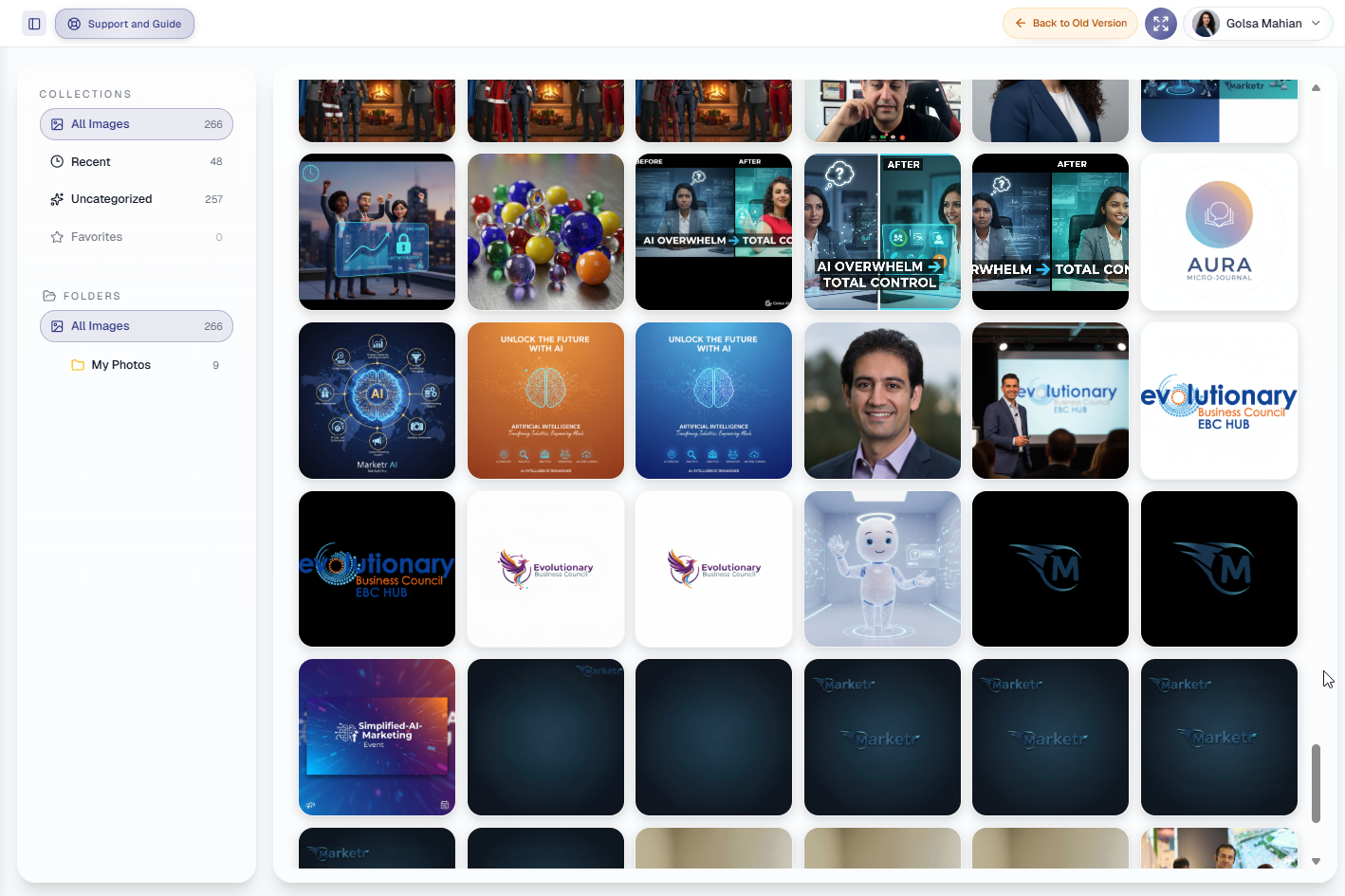
To access your Gallery, simply click on the "Access Gallery" button. Inside, you'll find an organized collection of your visual content.
You can browse through different categories, such as:
- All Images: A comprehensive view of every image you've created.
- Recent: Quickly find the images you've worked on most recently.
- Uncategorized: Images that haven't been assigned to a specific folder yet.
- Favorites: Mark your best and most-used images for easy access.
2. Integrating Your Existing Images into Chats
Marketer.ai makes it simple to use your own images to guide your creative process in Freestyle or Agentic Chats.
To upload an image:
- When in a chat, use the "Upload Files" button.
- You can load images directly from your computer or Marketr Gallery.
Marketer.ai will then use your uploaded image as context to provide more relevant responses and generate new images based on your needs. Any new images that Marketr.ai creates during this process will be saved directly into your "Access Gallery."
Important Note: While Marketr.ai uses your uploaded image for generating responses, it does not permanently store your original image file within its system. Your newly created images, however, will always be available in your Gallery.
Was this article helpful?
That’s Great!
Thank you for your feedback
Sorry! We couldn't be helpful
Thank you for your feedback
Feedback sent
We appreciate your effort and will try to fix the article